Bunifu Rating
Bunifu Rating is a simple and elegant control that allows you to provide rating systems in your Windows Forms apps, e.g. Books & Movie review inputs, games, e.t.c.

Adding Bunifu Rating control on your Form at Design Time
Simply locate Bunifu Rating in your Toolbox and drag it to your form

Adding Bunifu Rating control on our form at Run Time
On Load event handler, we just have to put the following two lines of code.
- C#
- VB.NET
var bunifuRating = new Bunifu.UI.WinForms.BunifuRating();
this.Controls.Add(bunifuRating);
Dim bunifuRating As New Bunifu.UI.WinForms.BunifuRating
Controls.Add(bunifuRating)
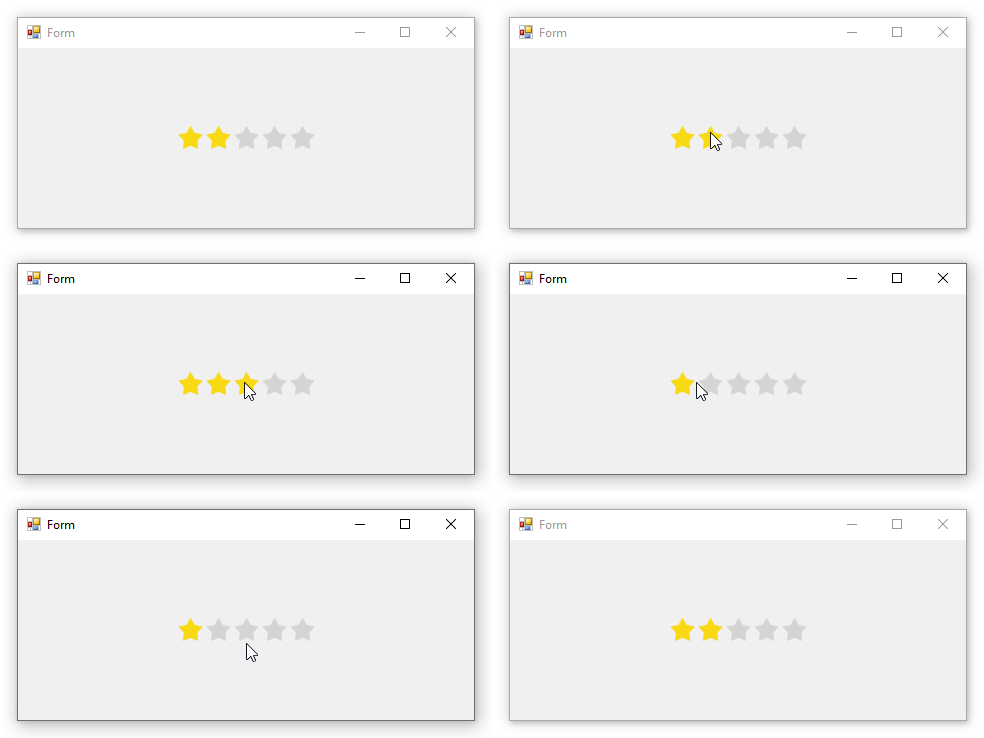
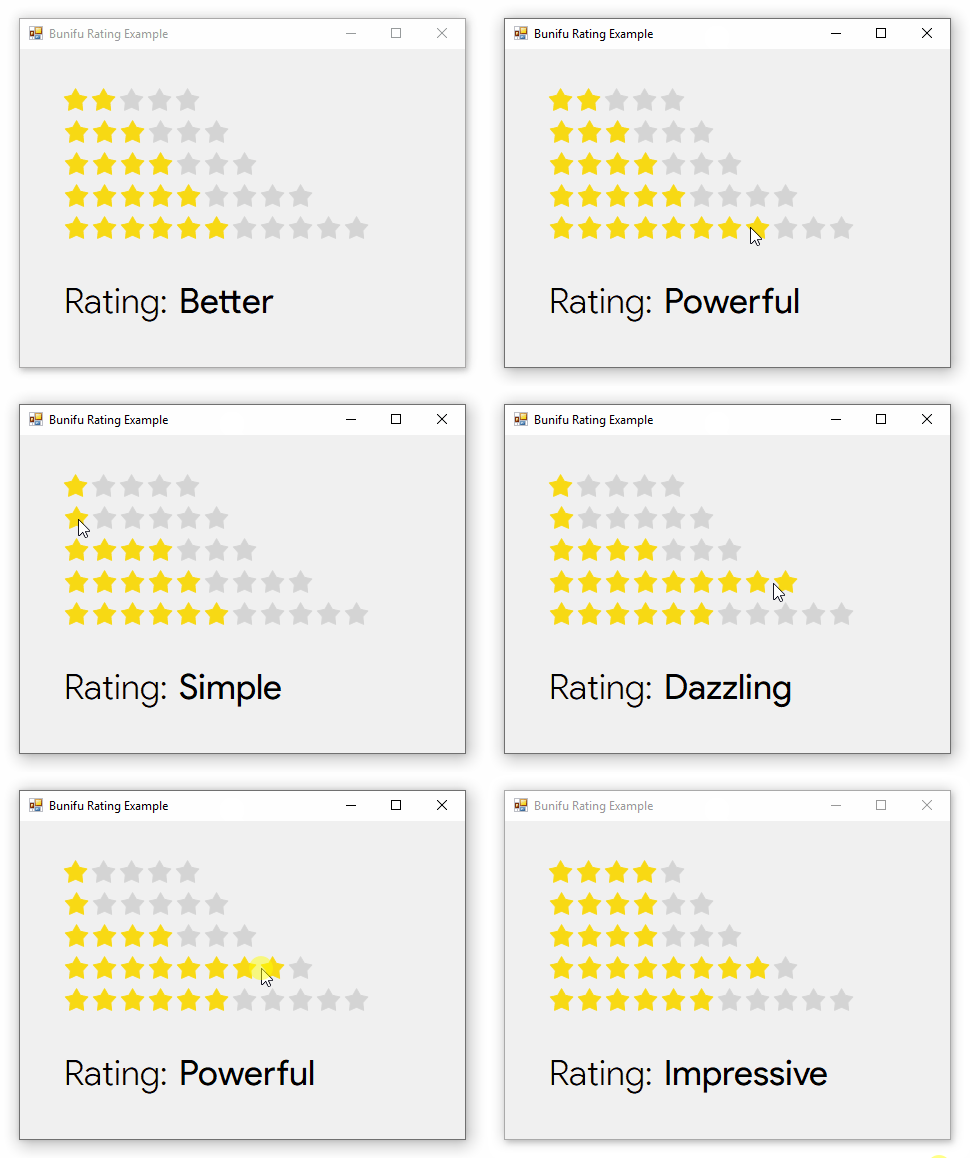
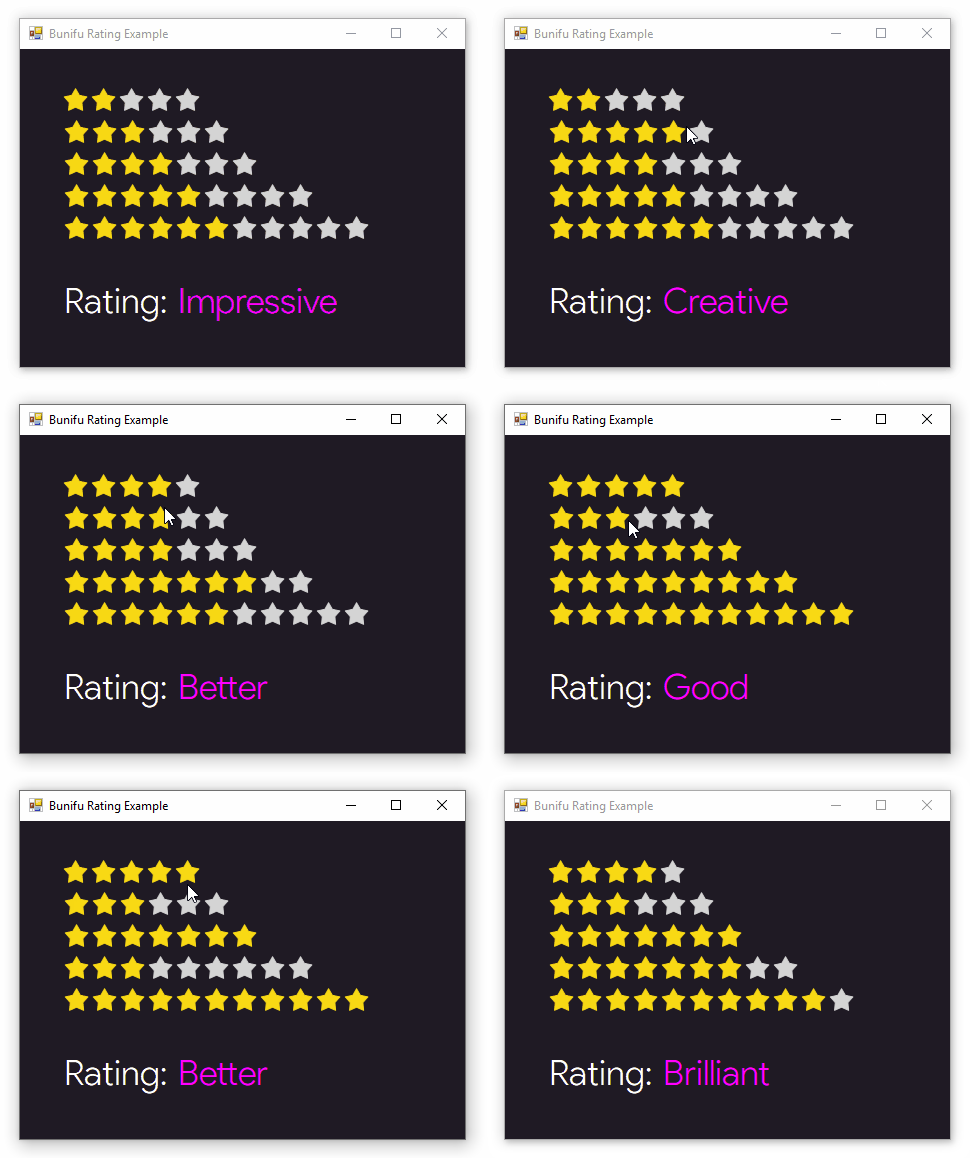
On running your app, you should see something similar to this:

Properties
You can use Smart Tags to quickly navigate the common properties:

| Property | Description |
|---|---|
Value | Sets the current rating value. |
Maximum | Sets the number of ratings or maximum-rating-count to be displayed. Example: bunifuRating.Value = 4; |
OuterRadius | Sets the rating's shape radius. |
InnerRadius | Sets the inner radius of the star shape. |
Spacing | Sets the spacing between rating shapes. |
BorderThickness | Sets the border thickness of rating shapes. |
Shape | Sets the rating shape style. |
EmptyFillColor | Sets the fill color of unrated shapes. |
EmptyBorderColor | Sets the border color of unrated shapes. |
HoverFillColor | Sets the fill color of rating shapes on hover. |
HoverBorderColor | Sets the border color of rating shapes on hover. |
RatedFillColor | Sets the fill color of rated shapes. |
RatedBorderColor | Sets the border color of rated shapes. |
DisabledEmptyFillColor | Sets the fill color of unrated shapes when disabled. |
DisabledRatedFillColor | Sets the fill color of rated shapes when disabled. |
ReadOnly | Sets a value indicating whether the rating is in read-only mode. |
RightClickToClear | Sets a value indicating whether the rating will be cleared after right-clicking it. |
Events
| Event | Description |
|---|---|
ValueChanged | Occurs when the rating value has been changed. This uses the ValueChangedEventArgs to provide data. |
ValueHovered | Occurs when a rating value has been hovered onto. This uses the ValueHoveredEventArgs to provide data. |
Methods
| Method | Description |
|---|---|
Clear() or Reset() | Clears/resets the current rating. |
Remarks
We hope you will find Bunifu Rating useful in your design and that it will help you create better user experience for your users.
Should you have feedback or suggestions please send us via chat on the bottom right corner of the screen.